We're open — now in beta

Create. Invite. Organize.
All in one place.

From an AI-designed invitation to complete guest and RSVP management. Lis helps you create something unique while you focus on enjoying the event.

See how it works

01

Design

Our AI assistant turns your idea into a stunning invitation in seconds

02

Invite

Send beautiful digital invitations

03

RSVP

Track responses in real time

04

Organize

Seating, timeline & more

Meet Lis

Your AI assistant for memorable invitations.

Tell her your idea, she turns it into a unique design, and you keep refining it by chatting — like working with a designer.

9:41
LisLisBrindis assistant
1Event
2Style
3Design
Type your reply...
Scroll to advance

Sound familiar?

Guest management shouldn't feel like this

The spreadsheet nightmare

Juggling guest lists across WhatsApp chats, Excel files, and sticky notes until the day of the event.

Who confirmed again?

No clear view of who's coming, who hasn't replied, and who brought a plus-one you didn't plan for.

Invitations lost in chat

Paper invites get lost, WhatsApp messages get buried, and following up feels embarrassing.

Brindis replaces the chaos with one elegant, organized platform.

Features

How Brindis works, no fine print

Five pieces do the heavy lifting: Lis designs your invitation, the designer lets you change all of it, the WhatsApp bot delivers it, the seating chart lays out the room, and the reception QR runs the door. Here is exactly what each one does.

01/AI design

Lis asks the right questions

It is not a blank box waiting for the perfect prompt. Lis leads the conversation: what you are celebrating, who it is for, when, where and in what tone. Every answer narrows the search, so what she proposes looks like what you had in mind.

  1. 1

    She guides you, one question at a time

    She starts with the event, then the piece, the names, the date and the venue. Prefer to dump it all in one message? She will sort it out anyway.

  2. 2

    You pick the tone by tapping, not writing

    Instead of writing a brief, you tag words — elegant, natural, intimate, outdoors. Lis turns that mix into a palette, typography and layout, and shows you the best options for it.

  3. 3

    Then you keep refining by talking

    Ask for another color, shorter wording, or a completely different idea. You edit by speaking, as if a designer were sitting next to you.

Credits are only spent when Lis creates or modifies a design, and in proportion to the work.

How Lis guides youExample

02/The designer

And if you want to change something, you change it

What Lis proposes is not frozen. Open the designer and you get a full visual editor: drag components onto the canvas, move them wherever you want, and tune every detail from the properties panel. It is a real design tool, not four fields to fill in.

  1. 1

    Components, not rigid templates

    Headings, text, images, a gallery, a countdown, the venue map, the RSVP button, add-to-calendar, and even the gift details. Add whichever you want, as many times as you want.

  2. 2

    It moves like Figma

    Drag freely and smart guides align it with everything else for you. Arrow keys nudge by one pixel, Shift by ten. And if you change your mind, you undo.

  3. 3

    You see it the way your guest will

    The canvas previews on phone, tablet and laptop. It opens on phone, which is where your guests will really open it.

Every change saves itself. There is no save button.

The designer panelExample

03/WhatsApp invitations

One button and your whole list is invited

You hit send once and our bot delivers the invitation to every guest over WhatsApp — the channel they actually open. No copying contacts one by one, and no wondering who you forgot.

  1. 1

    The whole campaign goes out at once

    You choose who receives it and the bot handles the rest. Nobody is left out because of a message you forgot to send.

  2. 2

    You follow every message end to end

    Delivered, read, invitation opened and confirmed. The status is per guest, not a lump total: you know exactly who needs a nudge.

  3. 3

    They confirm from the same chat

    Guests reply straight from the message they received and their RSVP lands in your list. No loose forms, no parallel spreadsheets.

Every message sent uses 1 WhatsApp credit.

Campaign trackingExample
Contacted120
Delivered118
Read96
Opened the invitation88
Confirmed74

04/Seating & floor plan

You lay out the room, not a list of names

The seating chart is not a spreadsheet with names beside it: it is your venue drawn to real scale, in centimeters. Drop in the dance floor, the bar, the stage and the entrance, arrange the tables around them, and sit each person where they belong. What you build here is exactly what a guest sees when they scan the QR at the door.

  1. 1

    Real tables, real measurements

    Rounds of 8, 10 or 12, rectangular tables, the couple table. Drag, rotate and resize on a grid that keeps everything aligned for you, and the plan suggests how many people actually fit comfortably at each table.

  2. 2

    You seat people, not numbers

    Every chair is someone with a name, and nobody can end up at two tables at once. Add one guest too many and the plan tells you — before you find out on the night.

  3. 3

    Only confirmed guests get a seat

    Anyone who has not replied yet is not available to seat: that is RSVP work, not seating work. And there is no save button — every change saves itself.

The layout you build here is what feeds the reception QR afterwards.

The floor planExample
StageHead tableDance floorBarDJ123456789101112131415
14

Table 14

6 of 8 seats

TakenFree

05/On the day

A QR at the door and nobody asks where they sit

You print the sign and place it at the venue entrance. Guests scan it with their phone camera, look themselves up by name and see their table. No app, no password, and nobody standing at the door with a printed list.

  1. 1

    Pick the sign and print it

    Three ready-made designs — Classic, Botanic and Night — or just the bare code if you already have a designer. It downloads in A3, ready for print.

  2. 2

    Guests look themselves up by name

    Three letters and they appear. You can show other event details right there too, like gift information.

  3. 3

    Only confirmed guests show up

    Anyone who declined or never replied is not in the search. The door of your party is not a guest directory.

It needs your seating chart in place: that assignment is what the guest sees when they scan.

The sign at the entranceExample

Valentina & Tomás

Find your table

Scan and look yourself up by name

Martina Ríos

Table 7

Who is it for?

Built for celebrations that matter
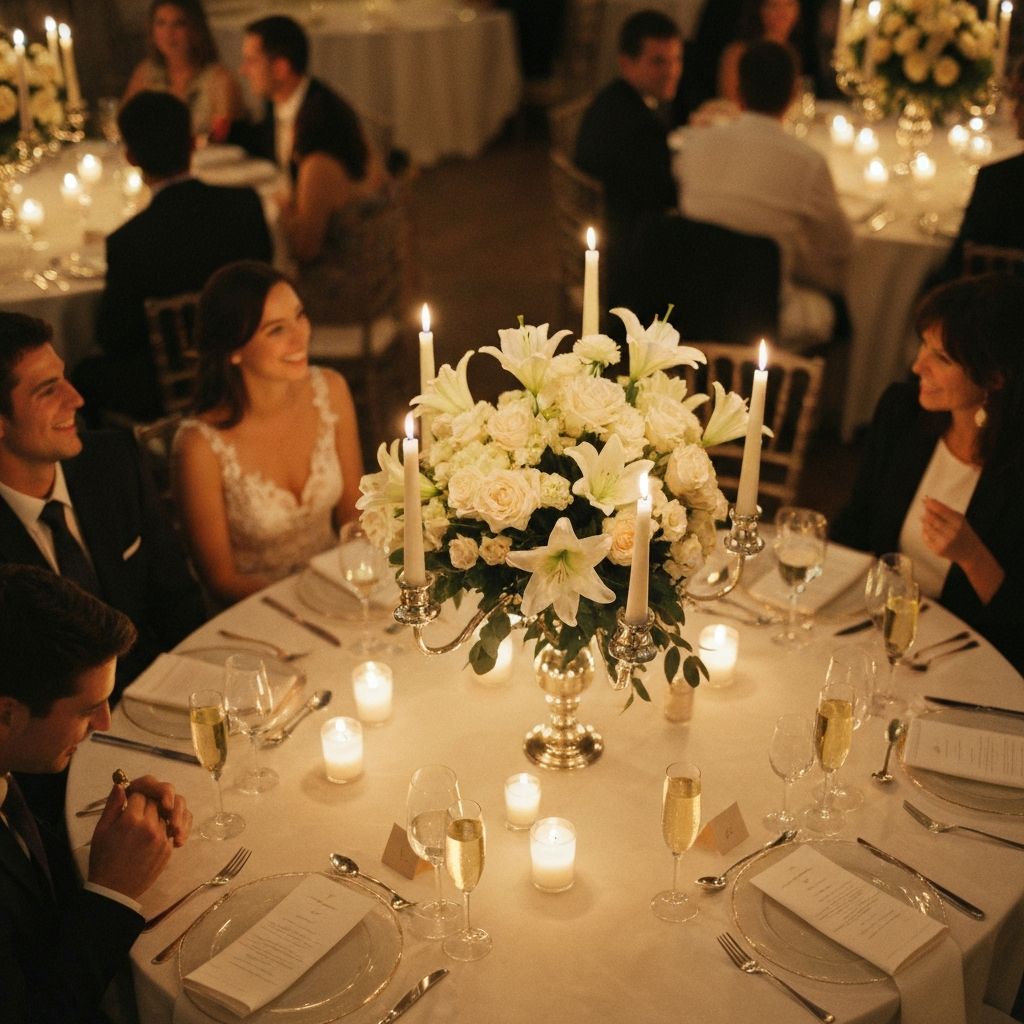
Wedding reception

Weddings

From intimate gatherings to grand celebrations

Quinceañera celebration

Quinceañeras

Make her milestone unforgettable

Bar and bat mitzvah

Bar & Bat Mitzvahs

Organize sacred and festive moments seamlessly

Birthday party

Birthdays

Any age, any size — we've got you covered
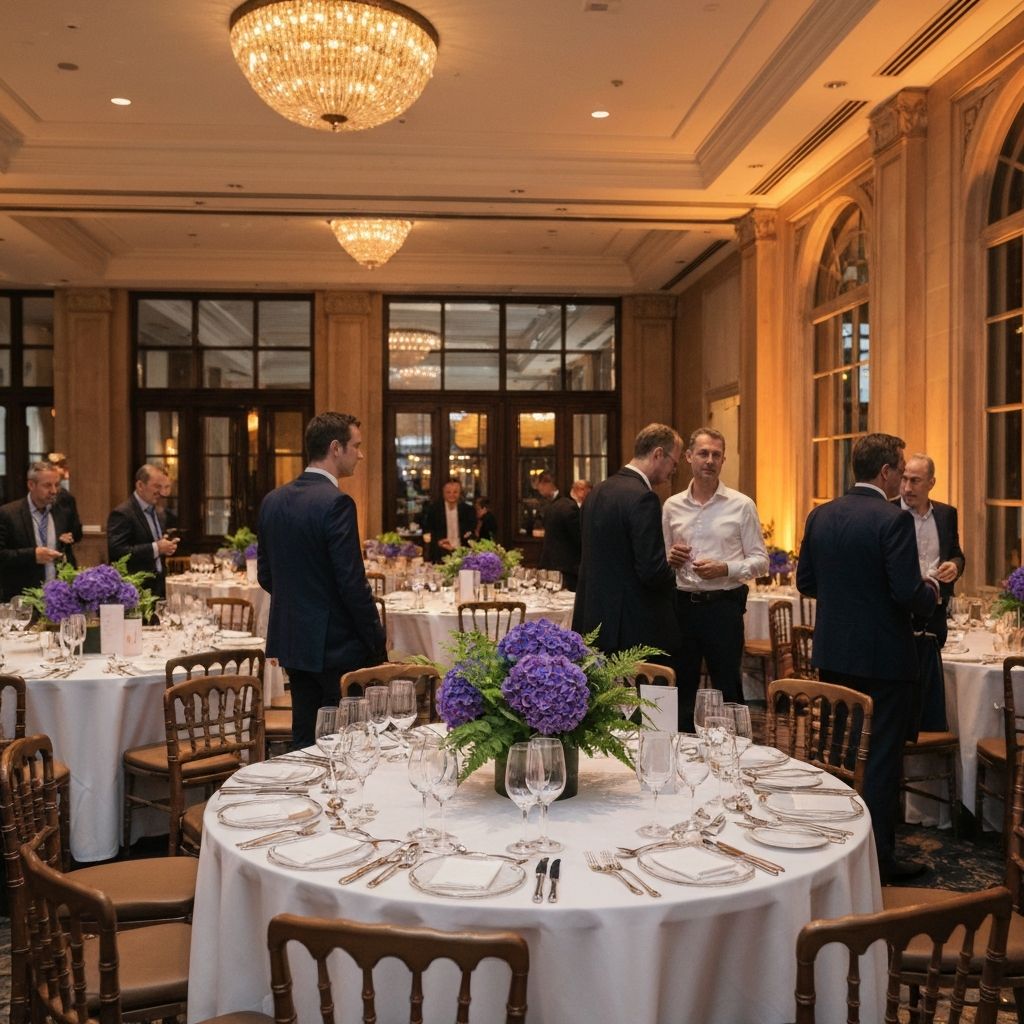
Corporate event

Corporate Events

Professional gatherings, stress-free execution

Event planner

Event Planners

Manage multiple clients from one dashboard

Pricing

Plans that fit your event

Build and preview your event for free. Pick a plan only when you're ready to publish — pay once, per event. No subscriptions, no surprises.

01Build & preview — free
02Choose your plan
03Publish & send

Free

Everything to get started

$0per event
  • 1 digital invitation
  • Up to 40 guests
  • A personal link for every guest
  • Web RSVP
  • 3 AI credits
Where you start — no card needed

Essential

No limits on your guest list

$89per event
  • Everything in Free
  • Unlimited guests, invitations and collaborators
  • Seating chart and reception QR
  • Event management & schedule
  • Custom RSVP questions
  • 15 AI credits
Pay once when you publish
Most complete

Premium

The complete experience

$169per event
  • Everything in Essential
  • WhatsApp invitation sending
  • WhatsApp credits included
  • Guest authentication by OTP
  • 50 AI credits
Pay once when you publish

Add-ons

Every event is different. Enhance any plan with the tools that matter most.

Add-on

Auth Pack

Every guest gets an access code (OTP) over WhatsApp to sign in on the RSVP. Includes 500 WhatsApp credits. No surprise guests at the door.

Add-on

WhatsApp Distribution

Top up credits to send invitations and reminders over WhatsApp — the channel your guests actually open. Sending itself is already included in Premium.

Add-ons available at checkout. Choose what your event needs.

What each plan includes

The same names you will see inside the app. Tap the (i) to know exactly what each one does.

What each plan includes
FeatureFreeEssentialPremium
Your invitation
AI credits31550
Invitations1UnlimitedUnlimited
Guests40UnlimitedUnlimited
Collaborators1UnlimitedUnlimited
Inviting and confirming
Web RSVPIncludedIncludedIncluded
Custom RSVP questionsNot includedIncludedIncluded
WhatsApp invitation sendingNot includedNot includedIncluded
WhatsApp creditsNot includedNot included1680
Guest authenticationNot includedWith add-onIncluded
On the day
Seating chartNot includedIncludedIncluded
Reception QRNot includedIncludedIncluded
Event management & scheduleNot includedIncludedIncluded
Start free now

Set up free · No subscription · Pay only when you publish

FAQ

Frequently asked questions

Your next event starts here

Brindis is live. Create your invitation with Lis, manage your guest list and track RSVPs — getting started is free.

Start free